Wednesday, 1 December 2010

Water Added

This was done with a material. First the render setup and assign renderer the production was changed to mental ray renderer. Then in materials I pressed the button next to default and changed it to "Arch and Design (mi)". Then in "Special Purpose Maps" under Bump, Ocean Lume was selected. Then I changed the colour and the waves until I was happy.

Now all that needs doing is the animation.

Sunday, 28 November 2010

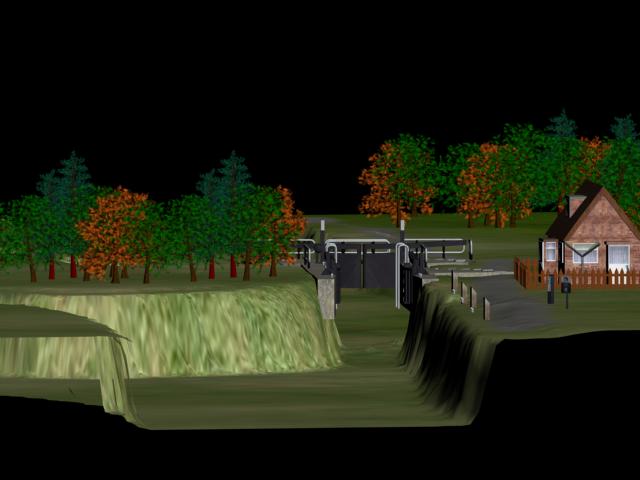
Just need to add water


Just needs the water (and a sky) but I need to co-ordinate with Tracy for that because the sea is going to go into this scene so the water needs to be the same.

Finishing Touches

Added a fence around the house along with wooden blocks and the "Harlow Mill Lock" signs.

Photoshop Grass Map


Grass all done with the gravel path added to it. The picture continues off the left hand edge and goes onto the right hand edge. This was because the material didn't fit exactly onto the plane and it was easier to do it this way than moving 400 segments + acuratly in the Edit UVW map.

Friday, 26 November 2010

The Grass

When adding grass I found it difficult to create realistic looking grass. I decided to create the grass in photoshop and add it to the plane. It needs tidying up but the darker area is were the tress and fields are.

The Ground

Using the Displace tool in the modifier list I added the picture to the Image - Bitmap section and increased the strength until I had the effect that I wanted.


Creating a Height Map

I used these pictures to create my own height map making the higher parts of the terrain lighter and the lower parts darker. I used the blur and smudge tool to merge the colours to make the hill decends gradually.